
Discord embed bot
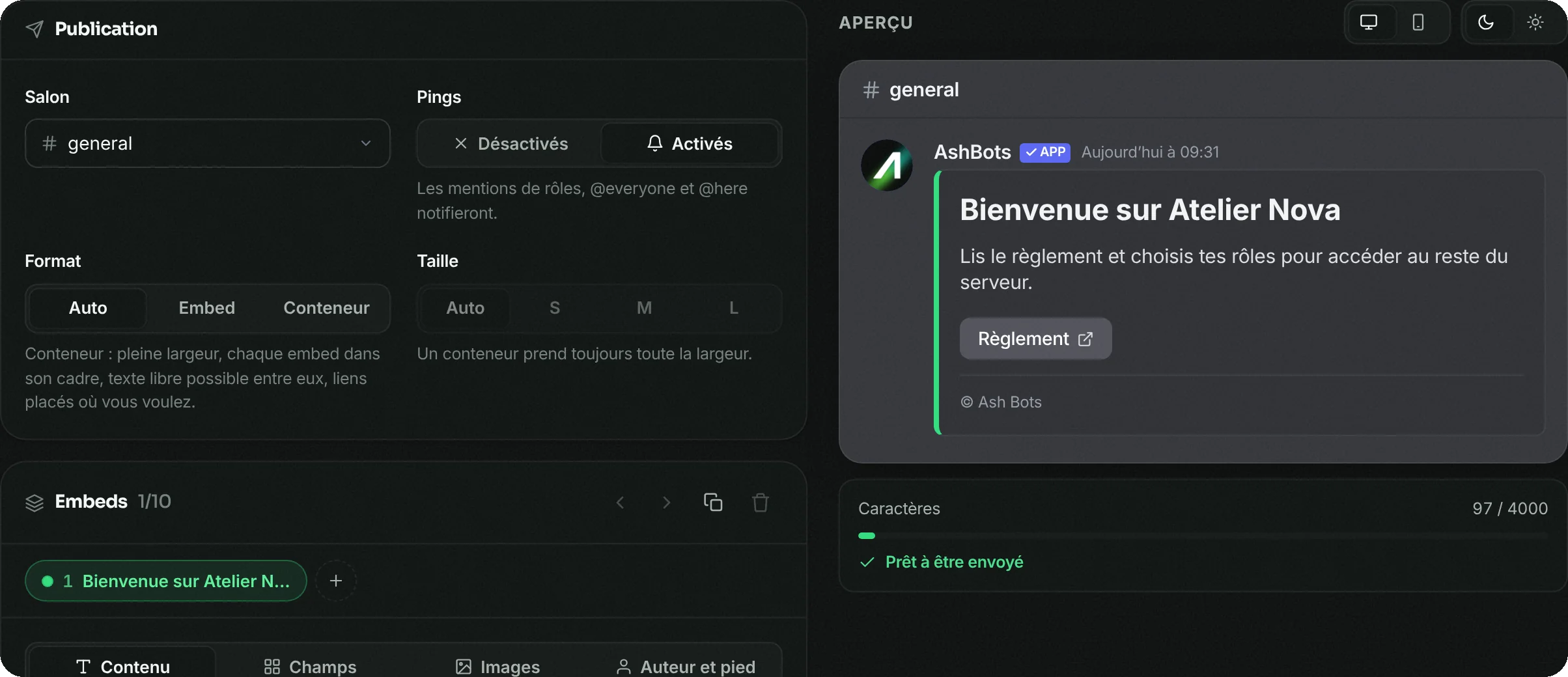
Title, colour, images, fields, buttons, several embeds per message: the preview shows exactly what your members will see. No JSON to write.
- Free
- In French
- Configurable on Discord and on the web
- 349 commands
What AshBots does
The same settings on Discord and on the web, and image cards for welcome, levels and leaderboards.
Editor with preview
Every change shows up right away, on Discord as well as on the dashboard.
Buttons
Buttons under the message: a link, a role given on click or a reply from the bot.
Templates
An embed saved as a template can be reused in one click.
Scheduled sends
An embed published at a date and time of your choice.
Edit a published message
An embed that's already been sent can be reopened and fixed, without reposting it.
Announcements
One command to publish a formatted announcement, another to make the bot speak.
Setup in 4 steps
From Discord with the commands below, or from the web dashboard with the same settings.
Add AshBots
Invite the bot to your server.
Open the builder
/embedopens the builder with the preview: title, description, colour, fields, images.Add buttons
On the dashboard, the embed editor adds buttons, templates and scheduled sends.
Publish
Choose the channel and send. You can reopen the message later to edit it.
The embed editor is free. The free plan keeps 3 templates and 2 scheduled sends; Premium makes them unlimited.
Frequently asked questions
How do you make an embed on Discord?
A member can't send an embed on their own: you need a bot. On AshBots, /embed opens a builder with a preview, no code needed.
Can you put buttons under an embed?
Yes, from the dashboard editor: link button, button that gives a role or button that makes the bot reply.
Can you schedule a message?
Yes, an embed can be scheduled for a date and time.
Do you need to know JSON?
No. Everything is filled in through fields, with the preview alongside.
Go further
The same bot also does
A single bot to invite and configure, instead of one per need.